

Informazioni
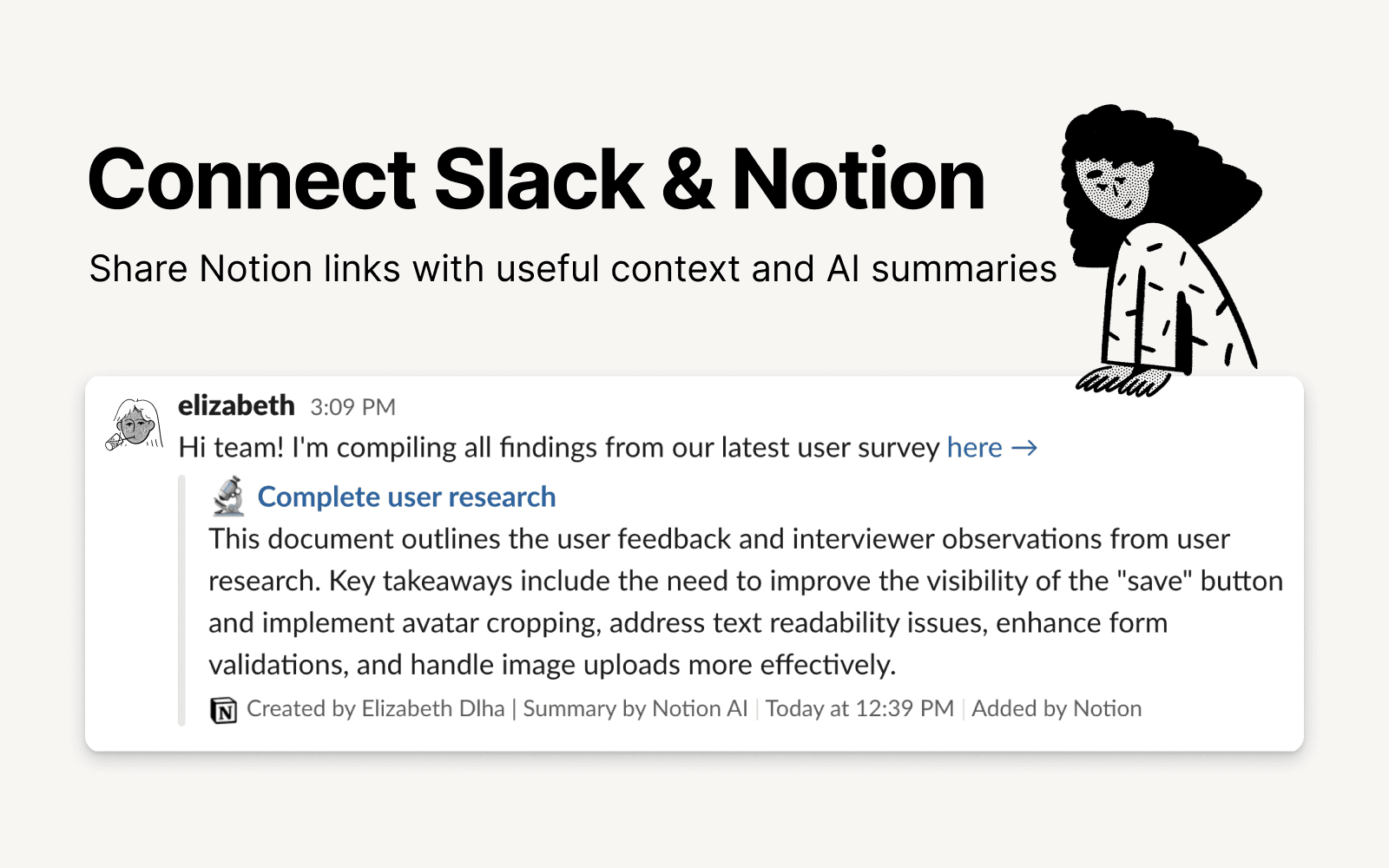
Slack is the productivity platform that connects people to the information they need. With Notion's integration for Slack, your team can seamlessly send messages to a Notion database, receive notifications in Slack, and share links that expand with useful information and AI summaries to streamline workflows and boost your productivity.
Funzionalità
- Leggere, inserire e aggiornare contenutiPuò leggere, inserire e aggiornare pagine, database e blocchi condivisi con questa connessione.
- Leggere e aggiungere commentiPuò leggere e aggiungere commenti sulle pagine e sui blocchi a cui può accedere.
- Visualizza in anteprima i linkEspande i link di questo prodotto in anteprime dettagliate e in tempo reale quando vengono incollati in Notion.
Modalità d'uso
To use Slack and Notion together, you’ll be offered the option to install the integration at the following places:
When you paste a link from Notion into Slack you’ll receive a prompt to
Connect NotionFrom the database's
…menu at the top right → selectAutomations→ when setting up the automation, after adding a trigger, selectSend Slack notification to...as your automated action → you’ll be prompted toConnect Slackand choose a channel destination for the notificationsWhen setting up personal notifications by going to
Settings & members→My notifications & settings→Slack Notifications→Add new account
Dettagli
- Produttività
- Collaborazione
- Comunicazione