About
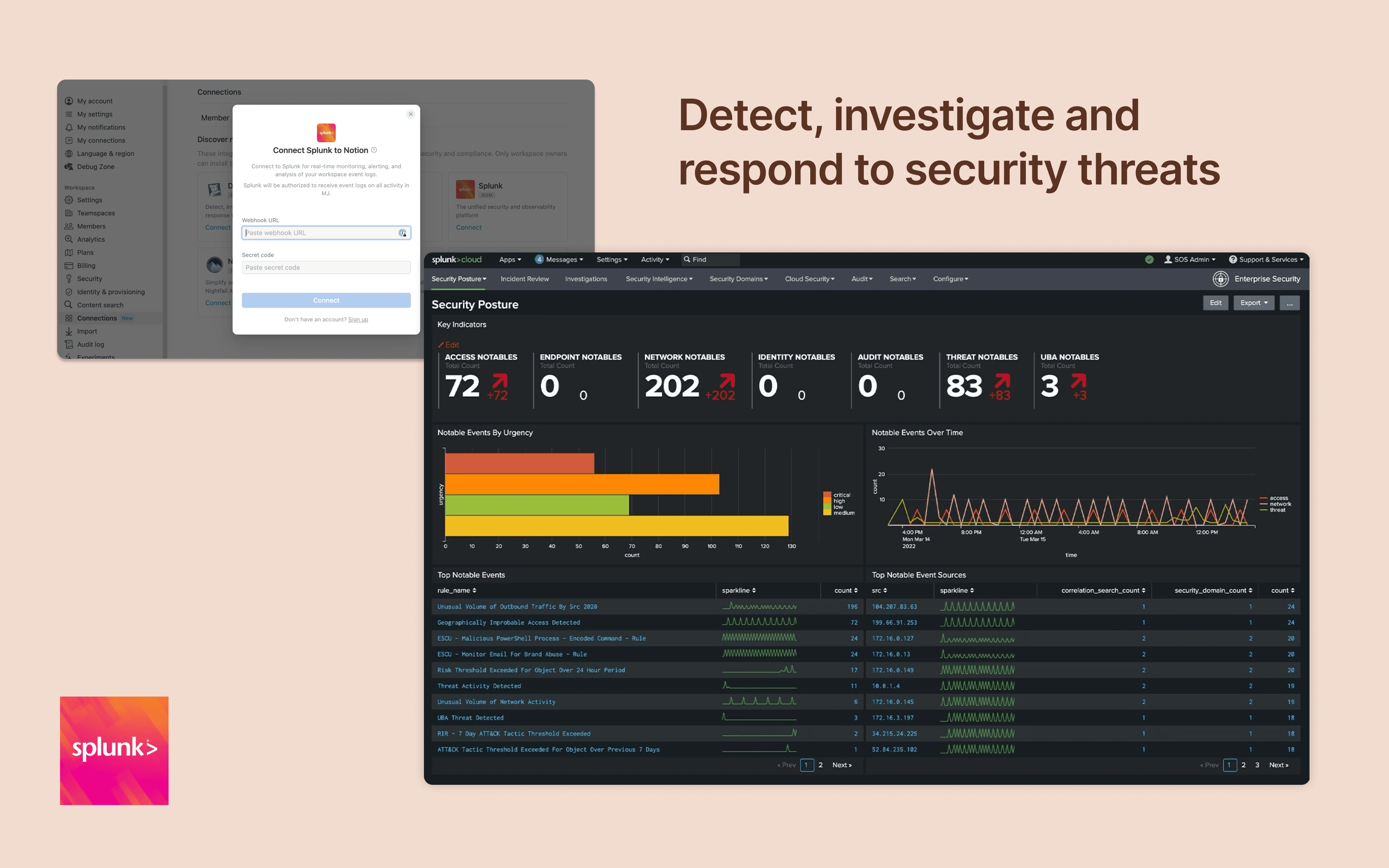
Integrate Notion workspace logs into Splunk, giving security teams more oversight and insight into workspace activity. Set up popular detections and dashboards inside Splunk for easy monitoring and alerting at scale.
Funksjoner
- Motta oppdateringer om hendelser i arbeidsområdetMottar varsler i sanntid når sider du abonnerer på, tilgang til eller innstillinger for arbeidsområdet endres.
How to use
Only Notion Connections can install this integration as part of the Notion Enterprise plan.
Log in to your Splunk instance
Navigate to the
Search & Reporting→SettingsUnder the
Datasection →HTTP Event CollectorLocate the desired HEC configuration and click on its name (or create a new one)
On the configuration page, you should find the HEC URI and HEC token
You can find additional instructions in Splunk's documentation