关于
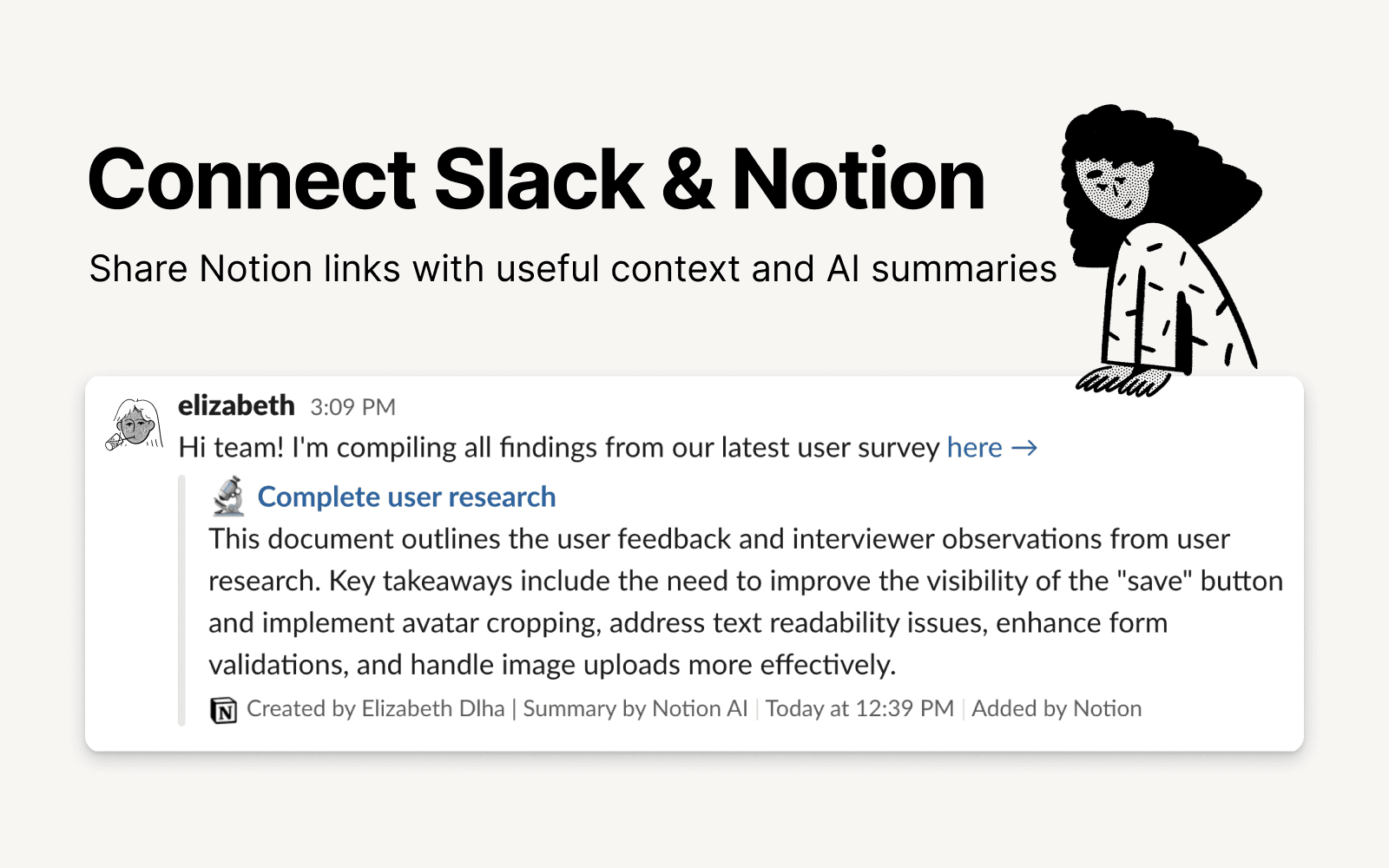
Slack is the productivity platform that connects people to the information they need. With Notion's integration for Slack, your team can seamlessly send messages to a Notion database, receive notifications in Slack, and share links that expand with useful information and AI summaries to streamline workflows and boost your productivity.
功能
- 读取、插入和更新内容可以读取、插入和更新与此连接共享的页面、数据库和区块。
- 读取和添加 条评论可以在其有权访问的页面和区块上读取和添加评论。
- 预览链接将来自此产品的链接粘贴到 Notion 时,将其展开为丰富的实时预览。
如何使用
To use Slack and Notion together, you’ll be offered the option to install the integration at the following places:
When you paste a link from Notion into Slack you’ll receive a prompt to
Connect NotionFrom the database's
…menu at the top right → selectAutomations→ when setting up the automation, after adding a trigger, selectSend Slack notification to...as your automated action → you’ll be prompted toConnect Slackand choose a channel destination for the notificationsWhen setting up personal notifications by going to
Settings & members→My notifications & settings→Slack Notifications→Add new account