


I'm not seeing an export option in my ••• menu. What's the deal?
I'm not seeing an export option in my ••• menu. What's the deal?
If you’re a member of an Enterprise workspace, it's possible that your workspace or teamspace owner has disabled exporting. To allow members to export content:
Workspaces owners can go to
Settings→Security, then toggle offDisable export.Teamspace owners can go to
Settings→Teamspaces→•••next to your teamspace →Security, then toggle offDisable export.
If you're a guest of the workspace, you need to have Full access to the page or database to see and use the export option.
Why don't I see my export downloading right away?
Why don't I see my export downloading right away?
If a file is very large (depending on the number of sub-pages included), we may send you an email with a download link rather than automatically starting a download. This is not always the case. No email will be sent if you were able to download the file right away.
Can I export all of my database views?
Can I export all of my database views?
When exporting a database, you can only choose between the current view and the default view. Exporting all views at once isn’t supported.
My Windows computer cannot open the exported ZIP file. Why is that?
My Windows computer cannot open the exported ZIP file. Why is that?
This issue occurs because Windows has a limitation on the maximum file path length — by default, paths longer than 260 characters cannot be handled properly.
When exporting, Notion creates nested folders for subpages. If the combined folder and file names exceed this limit, Windows may fail to open or extract the ZIP file.
There are a couple ways to fix this problem:
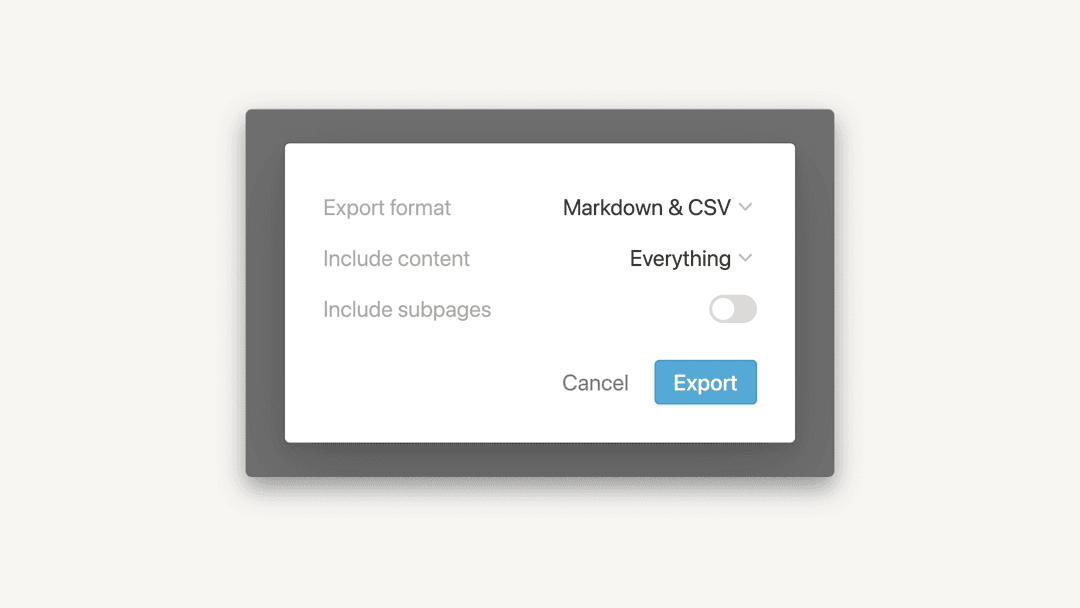
Option 1: When exporting, uncheck the option
Create folders for subpages. This keeps all pages and files in a single folder, reducing the total path length.Option 2: Use a tool like 7-Zip to extract the ZIP file. 7-Zip is more robust and can handle long file paths that Windows Explorer cannot.