Why connect third-party apps with Notion AI?
Why connect third-party apps with Notion AI?
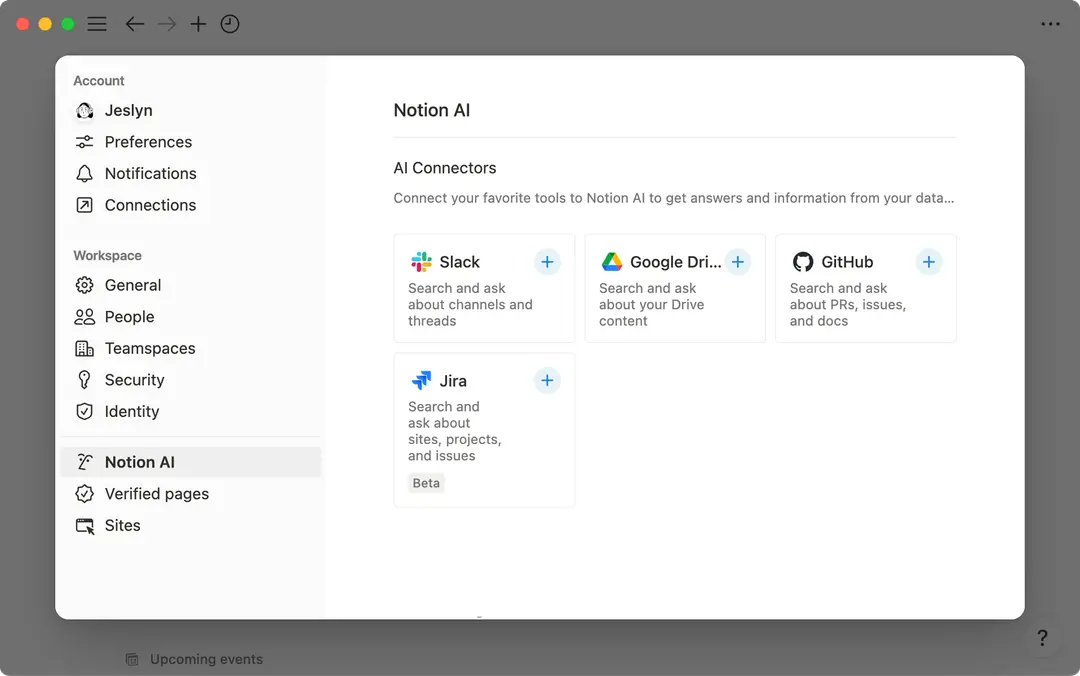
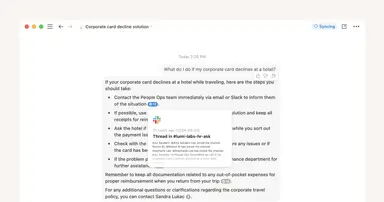
Notion AI enables you to ask any questions about the content in your Notion workspace. When you choose to connect third-party apps like Slack, Notion AI will also surface relevant information from those third-party data sources you enable, citing the specific messages it referenced.
Notion’s collection of AI products and features like third-party connections to Notion AI appear seamlessly in your workspace but leverage technology from several AI Subprocessors. Read our Notion AI security and privacy practices for more information, as well as our list of subprocessors. Our goal is to protect your data and workspaces while allowing you to be more effective in your organizations.
Will my data be used to train Notion’s models?
Will my data be used to train Notion’s models?
No. We only process your Customer Data to provide the functionality. We do not process your Customer Data to train our models and do not allow our sub-processors to process your Customer Data to train their models. View our terms and privacy pages for more information.
Are existing permissions respected when using Notion AI Connectors?
Are existing permissions respected when using Notion AI Connectors?
Notion AI will honor existing permissions according to our existing Notion AI Security Practices. Users will not be able to generate content or receive responses based on resources they do not have access to.
Specific to third party content, Notion AI is handling both private and public content with security in mind, only ingesting content according to the permissions mapping between each connected app and Notion.
Similar to our core Notion AI product, we store create and store embeddings in a vector database hosted by Turbopuffer, which powers the ability to provide responses to questions that leverage third party content. Turbopuffer has been vetted by our security team as well as an external auditor to obtain their SOC2 Type II certification. These embeddings allow for efficient searches and comparisons across different pieces of text to provide accurate and relevant responses to your questions.
How far back can the integration access data?
How far back can the integration access data?
Generally, the integration can access information dating back one year from the setup date. For example, if you connect with Notion AI on June 1, 2024, you'll have access to content from June 1, 2023 onward.
For specifics, you can reference articles for each Notion AI Connector here.
How long does it take for new content to appear in Notion AI?
How long does it take for new content to appear in Notion AI?
New content may take up to 3 hours to be indexed by Notion AI before it appears in search results. Larger data volumes may take additional time.
For specifics, you can reference articles for each Notion AI Connector.
What happens to my data if I disconnect?
What happens to my data if I disconnect?
Notion treats all of your content with the privacy principle of data minimization in mind. If you decide to disconnect a tool from Notion AI, your content will become unsearchable (for some AI Connectors, this can take up to one hour). Additionally, your data will be deleted within a day of disconnecting.