I forgot my password. What do I do?
I forgot my password. What do I do?
If you forgot your password, follow the instructions to reset it here →
I just got an email saying I changed my email address or password, but I didn't!
I just got an email saying I changed my email address or password, but I didn't!
If you receive an unexpected email notifying you of a change to your password, you should reset your password as soon as possible. Follow these steps:
Navigate to notion.so/login in your web browser.
Click the
Continue with emailbutton.Enter the email address associated with your Notion account.
Click the
Forgot password?button, and then theSend Reset Linkbutton.We'll send a link to your email address. When you click that link, you'll be taken to
Settingsin your Notion workspace, and your password will be reset.Please report any suspicious activity like this to our support team, [email protected].
I tried changing my email address but got an error message saying: "A user with this email already exists."
I tried changing my email address but got an error message saying: "A user with this email already exists."
If you'd like to change your account email to one that’s already tied to another Notion account, you can log into the account that’s currently associated with your desired email address and delete that account to free up that email address. To do this:
Log into the account tied to your desired email address, then go to
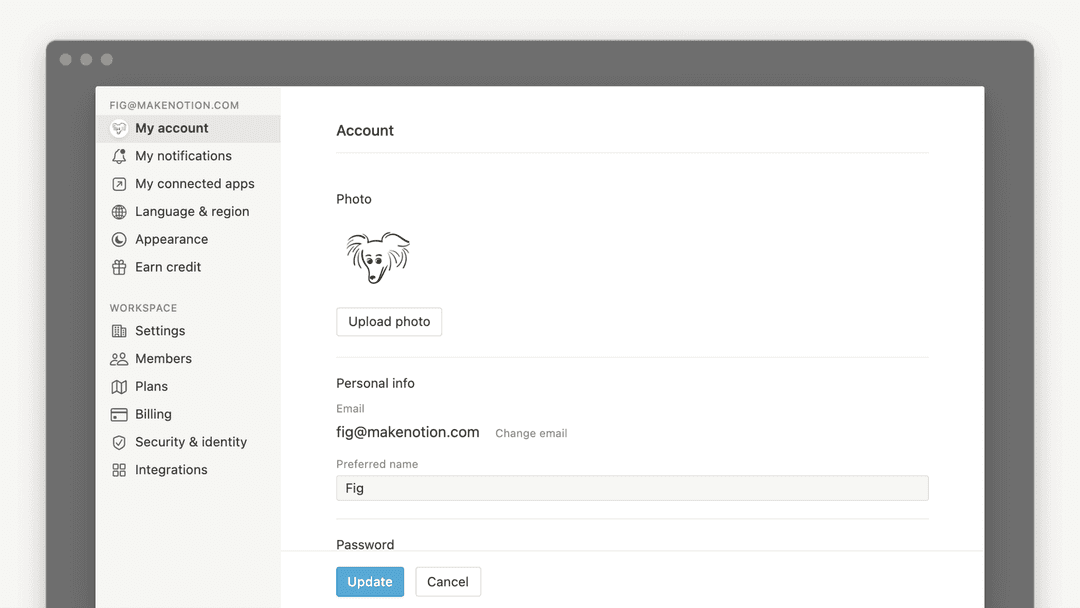
Settings→{your name}→Delete my account.Log into the account whose email address you want to change, then go to
Settings→{your name}→Change email.
Hva om jeg ved et uhell sletter noe permanent? Er det mulig å få det tilbake?
Hva om jeg ved et uhell sletter noe permanent? Er det mulig å få det tilbake?
Hvis du ved et uhell sletter en side, et arbeidsområde eller til og med hele kontoen din, kan vi hjelpe deg! Uhell skjer 😅 Bare send oss en melding i appen ved å klikke på ? nederst til venstre på datamaskinen (eller i sidestolpen på mobil). Eller send en e-post til [email protected].
Vi tar sikkerhetskopier av databasen vår, slik at vi kan gjenopprette et øyeblikksbilde av innholdet ditt de siste 30 dagene hvis du trenger det.