


• NotionKI-arbeidsområdet ditt
  • Notion Calendar
  • Notion Mail
  • Notion KIKI-verktøy for arbeid
  • AgenterAutomatiser rutinearbeid
  • KI-møtenotaterPerfekt skrevet av KI
  • Enterprise-søkFinn svar umiddelbart
  • KunnskapsbaseSentraliser kunnskapen din
  • DokumenterEnkel og kraftig
  • ProsjekterAdministrer et hvilket som helst prosjekt
  • IntegrasjonerKoble til appene dine
  • SikkerhetSikker og skalerbar
. Se hva som er nytt→
Last ned Notion-appen→
  • KI-funksjoner
  • Notion KIKI-verktøy for arbeid
  • AgenterAutomatiser rutinearbeid
  • KI-møtenotaterPerfekt skrevet av KI
  • Enterprise-søkFinn svar umiddelbart
  • Utforsk bruksområderer
  • Til arbeid
  • Til personlig bruk
  • Team
  • Utvikling og produkt
  • Design
  • Markedsføring
  • IT
  • Firmastørrelse
  • Startuper
  • Små bedrifter
  • Enterprise
  • Brukstilfeller
  • Utdanning
  • Personlig
  • Profesjonell
  • Brukstilfeller for KI
  • Bla gjennom
  • Maler
  • Konsulenter
  • Integrasjoner
  • Oppdag
  • Hva er nytt?
  • Kundehistorier
  • Blogg
  • Webinarer
  • Lær
  • Utviklere
  • Academy
  • Produktomvisninger
  • Hjelp
UtviklereEnterprisePrisBe om en demo
Få Notion gratisLogg inn
  1. Hjelpesenter
  2. Hjelpedokumenter
  1. ← Hjelpedokumenter

12. Automations

Automations
I dette kapittelet

Learn about how Notion can help you automate your workflows.


Artikler

Knapper

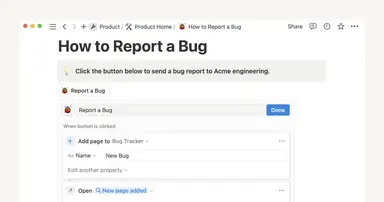
I Notion kan du enkelt kopiere innhold eller gjenta handlinger du bruker ofte – i praksis kan du lage dine egner maler inne i en side 🍣

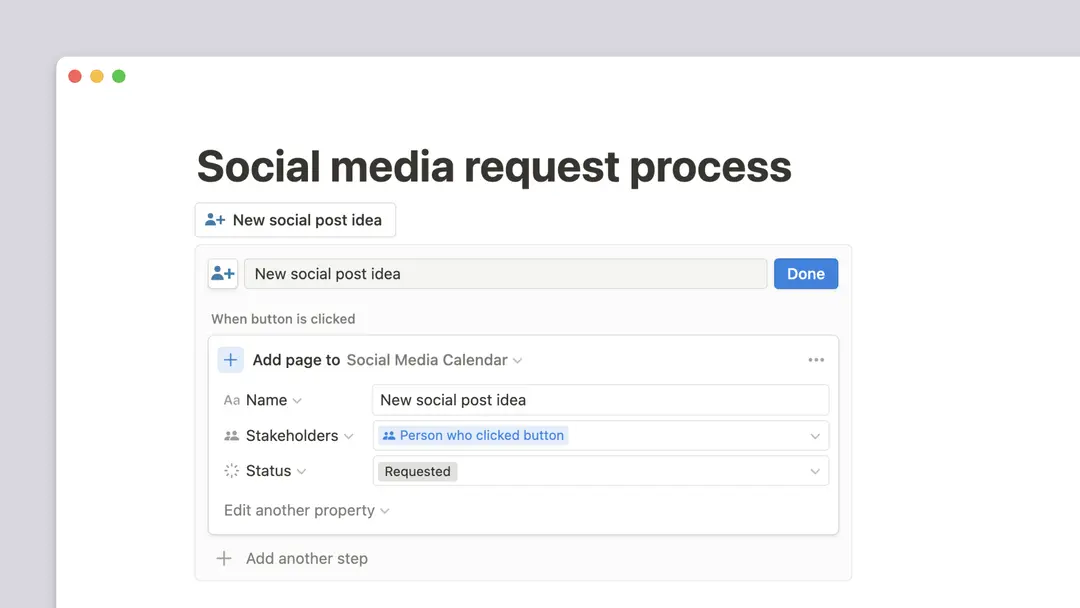
Database buttons

Database buttons take actions on your behalf with one click 🔘

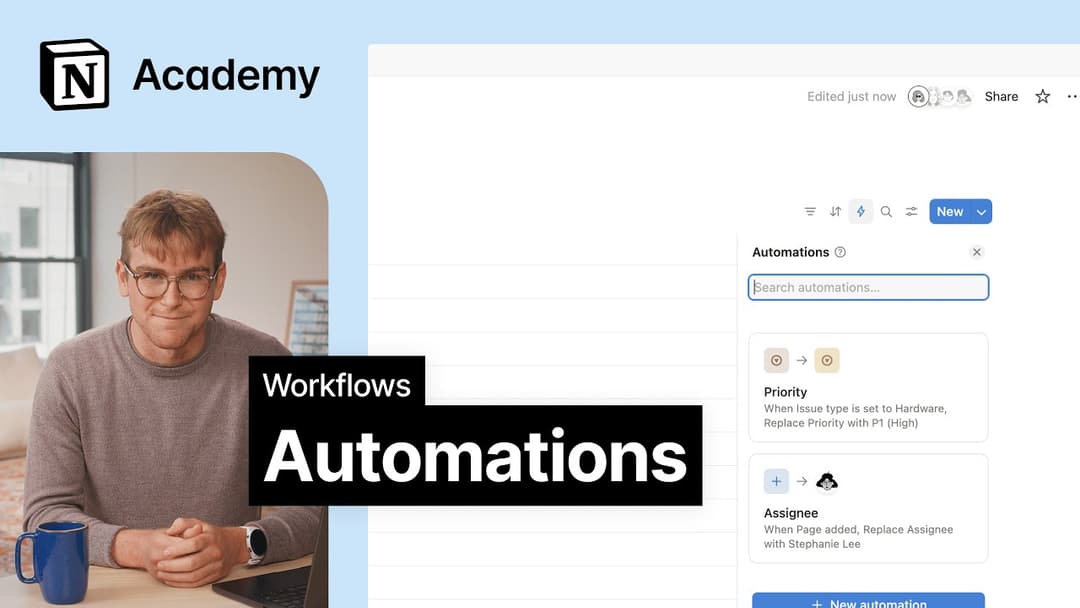
Database-automatiseringer

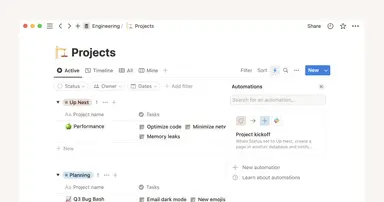
Forbedre effektiviteten ved å automatisere de mest kjedelige delene av arbeidet ditt 🔁

6:00

Webhook actions

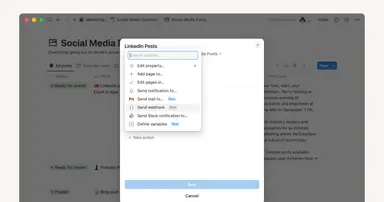
Use webhook actions in Notion’s automation features 🪝


Har du fortsatt spørsmål?

👋

Bli med i fellesskapet vårt

Finn hvilket som helst svar

💼

Ansett en sertifisert konsulent

Finn en ekspert for behovene dine

Help Center Contact Illustration
  • Hjelpedokumenter
      • Intro til arbeidsområder
      • Start her
      • Hva er en blokk?
      • Opprett din første side
      • Opprette underside
      • Hva er en database?
      • Opprette database
      • Starte med en mal
      • Dele arbeidet ditt
      • Samarbeide med mennesker
      • Badges & certifications
      • Se alle
      • Navigere med sidestolpen
      • Manage your Library
      • Søke i arbeidsområdet ditt
      • Home & My tasks
      • Se alle
      • Create & manage workspaces
      • Create & navigate teamspaces
      • Workspace settings
      • Workspaces on mobile
      • Delete a workspace
      • Se alle
      • Account settings & preferences
      • Notification settings
      • Two-step verification
      • HIPAA configuration
      • Data access consent
      • Delete your account
      • Log in & out
      • Passkeys
      • Change your language
      • Notion Faces
      • Manage your Mail & Calendar settings
      • Secondary emails
      • Se alle
      • Grunnleggende om skriving og redigering
      • Kolonner, tabeller, overskrifter og delelinjer
      • Tilpasse og utforme innholdet ditt
      • Images, files & media
      • Opprette lenker og tilbakekoblinger
      • Wikier og bekreftede sider
      • Move & duplicate content
      • Delete & restore content
      • Synkroniserte blokker
      • Kodeblokker
      • Math equations
      • Hurtigtaster
      • Use pages offline
      • Duplicate public pages
      • Presentation mode
      • Archive pages
      • Se alle
      • Intro to formulas
      • Introduksjon til databaser
      • Formelsyntaks og funksjoner
      • Databaseegenskaper
      • Relasjoner og rollups
      • Database settings
      • Databasemaler
      • Sub-items & dependencies
      • Task databases & sprints
      • Datakilder og lenkede databaser
      • Optimize database load times & performance
      • Unik ID
      • Se alle
      • Views, filters & sorts
      • Tabellvisning
      • Tavlevisning
      • Tidslinjevisning
      • Kalendervisning
      • Listevisning
      • Gallery view
      • Dashboards view
      • Chart view
      • Layouts
      • Feed view
      • Map view
      • Forms
      • Se alle
      • Sharing & permissions settings
      • Manage members & guests
      • Collaborate in a workspace
      • Inbox & notifications
      • Comments, mentions & reactions
      • Reminders
      • Suggested edits
      • Page analytics
      • Intro to teamspaces
      • People profiles
      • People Directory
      • Create & manage groups
      • Who’s who in a workspace
      • Se alle
      • Publish a Notion Site
      • Edit & customize your Notion Sites
      • Manage your Notion Sites
      • Connect a custom domain with Notion Sites
      • Notion Sites availability & pricing
      • Se alle
      • Import data into Notion
      • Export your content
      • Back up your data
      • Import from Asana
      • Import from Confluence
      • Import from Monday.com
      • Se alle
      • Embeds, bookmarks & link mentions
      • Add & manage connections
      • Notion API connections
      • Link previews
      • Synced databases
      • Connected properties
      • Connect GitHub
      • Integrate Slack
      • Connect Jira
      • Se alle
      • Knapper
      • Database buttons
      • Database-automatiseringer
      • Webhook actions
      • Se alle
      • What is Notion AI?
      • Notion Agent
      • Notion AI for databases
      • AI Meeting Notes (beta)
      • Enterprise Search
      • Notion MCP
      • Create & edit images with Notion AI
      • Research Mode
      • Review & approve plans before Notion AI runs
      • Instructions for Notion Agent
      • Skills for Notion Agent
      • Se alle
      • Notion AI Connectors
      • GitHub AI Connector
      • Google Drive AI Connector
      • Jira AI Connector (beta)
      • Linear AI Connector
      • Microsoft Teams AI Connector
      • Microsoft SharePoint & OneDrive AI Connector
      • Slack AI Connector
      • Notion Calendar AI Connector (beta)
      • Notion Mail AI Connector (beta)
      • Google Calendar AI Connector
      • Asana AI Connector
      • Microsoft Outlook AI Connector
      • Gmail AI Connector
      • Box AI Connector
      • Salesforce AI Connector (beta)
      • Se alle
      • Custom Agents
      • Best practices for creating and optimizing a Custom Agent
      • Buy & track Notion credits for Custom Agents
      • MCP connections for Custom Agents
      • Connect Calendar to Custom Agents
      • Custom Agents sharing and permissions
      • Connect Mail to Custom Agents
      • Mobile Custom Agents
      • Se alle
      • SAML SSO
      • Set up Identity Provider (IdP) for SAML SSO
      • Manage your Enterprise workspace
      • Domain management
      • Provision users & groups with SCIM
      • Set up Identity Provider (IdP) for SCIM
      • Content search
      • Transfer content from a deprovisioned user
      • Audit log
      • Workspace analytics
      • Add security & compliance connections
      • Enterprise connection settings
      • Managed users
      • Custom data retention settings
      • Deploy Notion for macOS
      • Legal holds
      • Deploy Notion for Windows
      • Network control
      • Manage teamspaces
      • Organization level controls
      • IP address restrictions
      • Set up Microsoft Intune with Notion (iOS and Android)
      • Se alle
      • Security practices
      • Privacy practices
      • GDPR at Notion
      • Custom Agents security features
      • Security best practices for Agent connections
      • Notion IP addresses & domains
      • Data accessible by your workspace owner
      • Report inappropriate content
      • Shared Responsibilities Model
      • Data residency for Notion
      • How to protect yourself from malvertising
      • Dormant account policy
      • How Notion 3.0 protects against prompt injection risks
      • Se alle
      • Notion’s commitment to AI safety
      • Notion AI security & privacy practices
      • Enterprise Search security & privacy practices
      • Notion AI complimentary responses
      • Se alle
      • Notion for desktop
      • Notion for web
      • Notion for mobil
      • System requirements for Notion
      • Notion beta program
      • Mobile widgets
      • Web Clipper
      • Notion New Tab extension
      • Se alle
      • Get started with Notion Mail
      • Navigate your inbox
      • Compose an email
      • Views, groups, filters & properties
      • Schedule meetings with Notion Mail
      • Use Notion AI with Notion Mail
      • Notion Mail settings
      • Notion Mail keyboard shortcuts
      • Customize notifications in Notion Mail
      • Notion Mail security practices
      • Notion Mail for mobile
      • Se alle
      • Create a Notion Calendar account
      • Manage your calendars & events
      • Scheduling & availability
      • Blocking
      • Time zones
      • Manage your linked Notion account
      • Notion Calendar settings
      • Notion Calendar connections & API
      • Use Notion Calendar with Notion
      • Notion Calendar for teams
      • Notion Calendar keyboard shortcuts
      • Notion Calendar apps
      • Notion Calendar security practices
      • Se alle
      • Finding templates on Marketplace
      • Selling templates on Marketplace
      • Getting featured in Marketplace
      • Marketplace guidelines & terms
      • Offering services on Marketplace
      • Become a Notion Solutions Partner
      • Finding services on Marketplace
      • Template localization on Marketplace
      • Se alle
      • Change your plan
      • Billing
      • How adding & removing members impacts billing
      • Invoices
      • Payment methods
      • Refunds
      • Notion for education
      • Notion for startups
      • Notion for creators
      • Paid plan trials
      • Understanding block usage
      • What happens when I downgrade my plan?
      • Sales tax
      • Can’t upgrade to the Plus Plan for students and educators
      • Se alle
      • Reset Notion
      • I can't log in
      • I can’t access Notion
      • Common formula errors
      • I can't access my own page
      • I can’t upload or view a file
      • Common Notion errors
      • Record HAR files for troubleshooting
      • Common Jira Sync issues
      • Can’t log into Notion Mail
      • Se alle
      • What is the Notion Developer Platform?
      • Run custom code with Workers (beta)
      • Use Notion from your terminal with Notion CLI (beta)
      • Understand pricing for Workers (beta)
      • Se alle
  • Veiledninger
      • Notion KI
      • Documentation
      • Notes
      • Project management
      • Wiki
      • Product
      • Engineering
      • Design
      • HR & people
      • Markedsføring
      • Personal
      • Enterprise
      • Startup
      • Demo
      • Template gallery
      • Automatiseringer
  • Voks med Notion

  • Notion Academy
  • API

  • Opprett integrasjoner
  • Kundestøtte

  • Bli med i fellesskapet vårt
  • Finn en konsulent

  • English (US)
  • Bahasa Indonesia
  • Dansk
  • Deutsch
  • English (UK)
  • Español (España)
  • Español (Latinoamérica)
  • Français (France)
  • Italiano
  • Nederlands
  • Norsk
  • Português (Brasil)
  • Suomi
  • Svenska
  • Tiếng Việt
  • עברית
  • العربية
  • ภาษาไทย
  • 한국어
  • 日本語
  • 简体中文
  • 繁體中文
© 2026 Notion Labs, Inc.
  • Bedrift
  • Om oss
  • Karrierer
  • Sikkerhet
  • Status
  • Vilkår og personvern
  • Personvernrettighetene dine
  • Last ned
  • iOS og Android
  • Mac og Windows
  • Mail
  • Kalender
  • Web Clipper
  • Ressurser
  • Hjelpesenter
  • Pris
  • Blogg
  • Fellesskap
  • Integrasjoner
  • Maler
  • Partnerprogrammer
  • Notion for
  • Enterprise
  • Liten bedrift
  • Personlig
  • Utforsk mer→