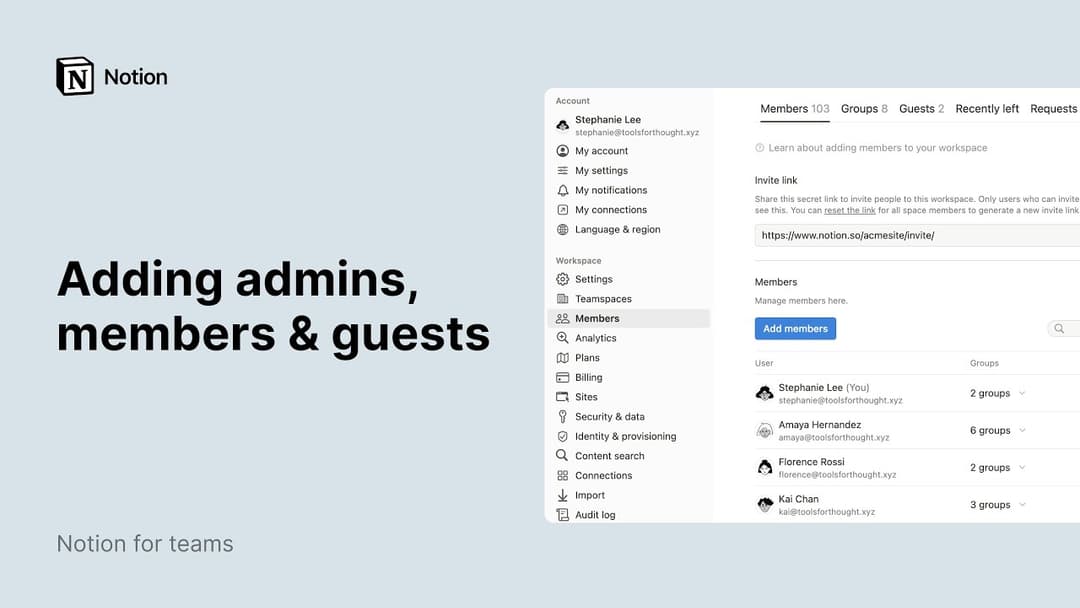


I tried adding a guest to my workspace but they were turned into a member automatically. How can I prevent that?
I tried adding a guest to my workspace but they were turned into a member automatically. How can I prevent that?
If your workspace is above the guest limit for your plan, new users that you share content with will be automatically added as a member (instead of as a guest) if they have the same organization email domain.
To allow for a new user with the same organization email domain to be added as a guest, you will need to remove existing guests to fall below your plan limit, upgrade to a plan with a higher limit, or work with our sales team (for eligible customers).
If your workspace is above the guest limit for your plan, you may have the Allowed Email Domains setting turned on. When enabled, this feature allows people with that email domain to join your workspace as a member automatically. You can disable this setting in the General tab of Settings in the left sidebar.
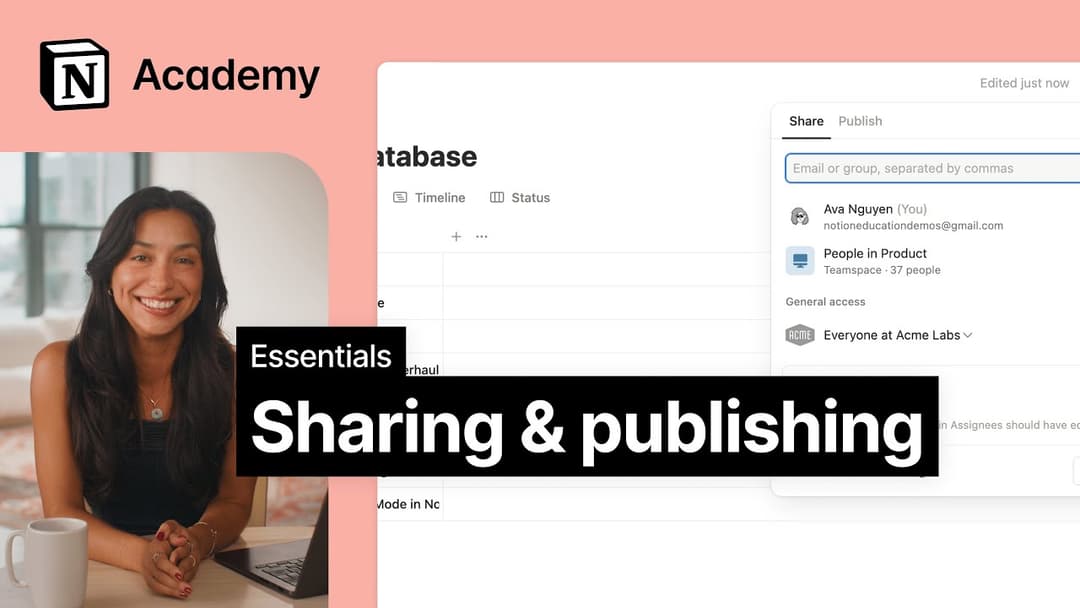
What’s the difference between sharing my Notion page with anyone on the web with the link and sharing my Notion page as a Notion Site?
What’s the difference between sharing my Notion page with anyone on the web with the link and sharing my Notion page as a Notion Site?
If you want to collaborate with a client on a proposal, you might want to use a public sharing link.
If you want to share about your latest travels, you can publish your Notion page as a Notion Site. This will allow you to turn on search engine indexing to reach a wider audience, customize the look and feel of your page, and more.
My Export button is missing, it doesn't appear in any menus.
My Export button is missing, it doesn't appear in any menus.
You may have the Disable Export setting enabled in the Security tab of Settings in your left sidebar. You'll need to be an admin in your workspace and on desktop to change this.
Can I limit access to different parts of a database? Can I make it so that some people can see certain database pages, but not others?
Can I limit access to different parts of a database? Can I make it so that some people can see certain database pages, but not others?
You can assign specific permissions to people who are tagged in a person property or created by property in your database. Learn about database page-level access here →