
How do I log out of my Notion account?
How do I log out of my Notion account?
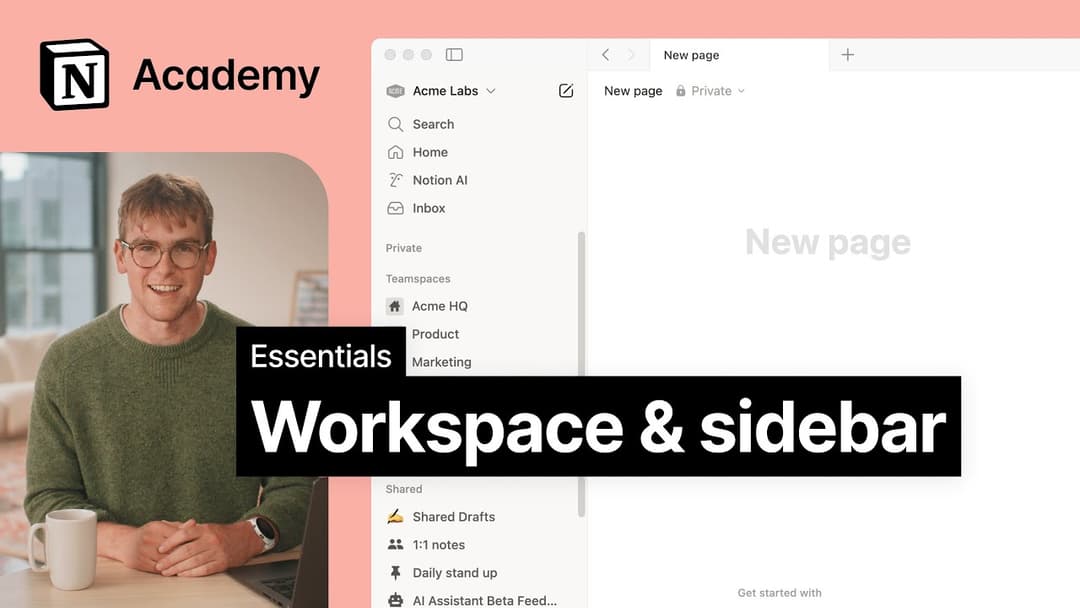
Click on your current workspace's name at the very top left of your sidebar. Scroll to the bottom, and you'll see the option to Log out next to your email address.
My sidebar doesn't have any sections. How do I turn those on?
My sidebar doesn't have any sections. How do I turn those on?
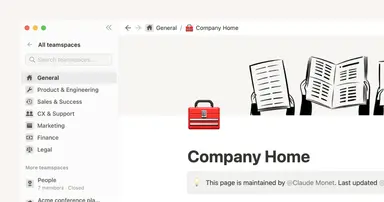
The sidebar sections reflect the sharing settings of your account. If you have more than one person in your workspace, a Teamspaces section appears in the sidebar for your collaborative work with that person, and the Private section is there for your personal pages that are only visible to you.
Why don't I see a full-page Home anymore? Did you change the sidebar?
Why don't I see a full-page Home anymore? Did you change the sidebar?
Home changed from a full-page experience to a part of your sidebar, organized into sections like Recents, Favorites, Teamspaces, Agents, and more, that can be shaped to fit your workflow. This puts your workspace navigation, AI threads, and notifications in one consistent, customizable place.
What will I see if I'm on a Free or Plus plan, or if AI is turned off for my workspace?
What will I see if I'm on a Free or Plus plan, or if AI is turned off for my workspace?
Free and Plus plans: You'll see the full sidebar layout, including the AI chat tab. You can use Notion AI with your available free AI credits.
AI turned off (Enterprise/Business): The AI chat tab will not appear. Instead, you'll see a New button in its place to create pages and other content.