




Can I make Full width my default? Is there a way to set a default style for all pages?
Can I make Full width my default? Is there a way to set a default style for all pages?
Not yet, but a lot of users have asked for this! We're continuing to keep this in mind for future projects.
Can I justify text to be center aligned or right aligned?
Can I justify text to be center aligned or right aligned?
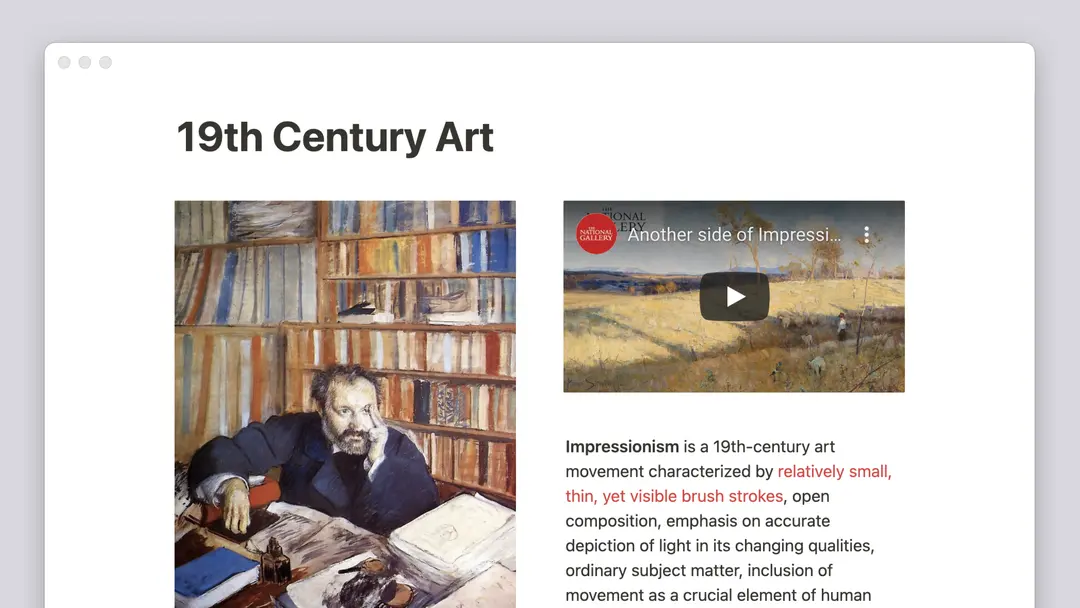
Notion doesn't have any traditional alignment options at the moment, unfortunately 😕But you can still make this happen. Drag and drop an empty line into the column next to your text to align it to the right or left.
Why can't I change text size on mobile?
Why can't I change text size on mobile?
This styling option, along with page width, only exists on desktop and web.
What's the ideal size and aspect ratio for cover images?
What's the ideal size and aspect ratio for cover images?
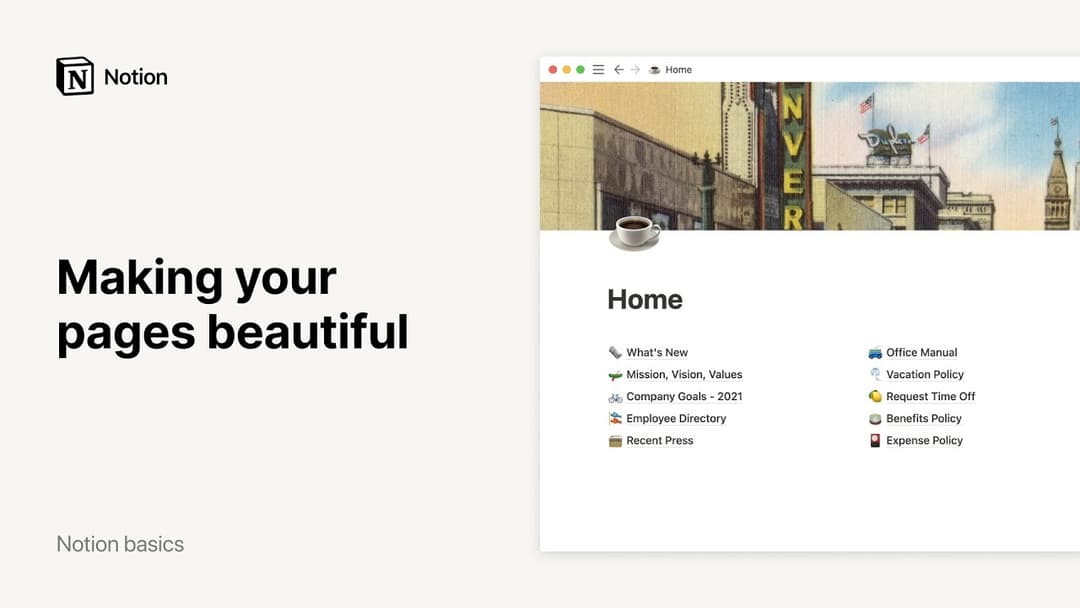
The cover images are dynamic depending on the width of your window, so there's no specific size that works best. That said, we recommend using images at least 1,500 pixels wide.
How can I insert an emoji in-line with my text 🤔?
How can I insert an emoji in-line with my text 🤔?
Anywhere in your text, type : followed by the name of the emoji you want to use, like :fire for 🔥 or :clappingfor 👏
You can also use your system emoji picker to include emojis in-line on a Notion page, or anywhere else on your computer!
Mac: ctrl + cmd + space
Windows 10: windows key + . or windows key + ;