
Como faço para sair da minha conta do Notion?
Como faço para sair da minha conta do Notion?
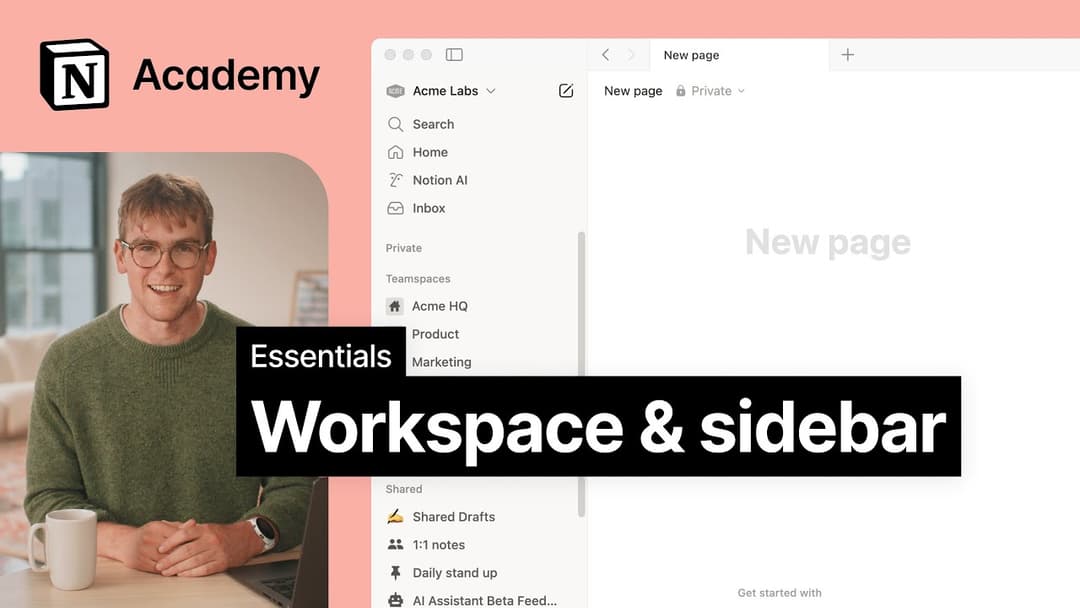
Clique no nome do seu espaço de trabalho atual no canto superior esquerdo da barra lateral. Role até o final até encontrar a opção Fazer logout ao lado do seu endereço de e-mail.
Minha barra lateral não tem nenhuma seção. Como faço para ativá-las?
Minha barra lateral não tem nenhuma seção. Como faço para ativá-las?
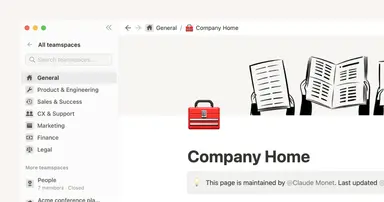
As seções da barra lateral refletem as configurações de compartilhamento da sua conta. Caso o seu espaço de trabalho tenha mais de um membro, você verá a seção Espaços de trabalho que mostra na barra lateral seu trabalho colaborativo com outros membros, enquanto a seção Particular guarda as páginas que estão visíveis só para você.
Why don't I see a full-page Home anymore? Did you change the sidebar?
Why don't I see a full-page Home anymore? Did you change the sidebar?
Home changed from a full-page experience to a part of your sidebar, organized into sections like Recents, Favorites, Teamspaces, Agents, and more, that can be shaped to fit your workflow. This puts your workspace navigation, AI threads, and notifications in one consistent, customizable place.
What will I see if I'm on a Free or Plus plan, or if AI is turned off for my workspace?
What will I see if I'm on a Free or Plus plan, or if AI is turned off for my workspace?
Free and Plus plans: You'll see the full sidebar layout, including the AI chat tab. You can use Notion AI with your available free AI credits.
AI turned off (Enterprise/Business): The AI chat tab will not appear. Instead, you'll see a New button in its place to create pages and other content.