I forgot my password. What do I do?
I forgot my password. What do I do?
If you forgot your password, follow the instructions to reset it here →
I just got an email saying I changed my email address or password, but I didn't!
I just got an email saying I changed my email address or password, but I didn't!
If you receive an unexpected email notifying you of a change to your password, you should reset your password as soon as possible. Follow these steps:
Navigate to notion.so/login in your web browser.
Click the
Continue with emailbutton.Enter the email address associated with your Notion account.
Click the
Forgot password?button, and then theSend Reset Linkbutton.We'll send a link to your email address. When you click that link, you'll be taken to
Settingsin your Notion workspace, and your password will be reset.Please report any suspicious activity like this to our support team, [email protected].
I tried changing my email address but got an error message saying: "A user with this email already exists."
I tried changing my email address but got an error message saying: "A user with this email already exists."
If you'd like to change your account email to one that’s already tied to another Notion account, you can log into the account that’s currently associated with your desired email address and delete that account to free up that email address. To do this:
Log into the account tied to your desired email address, then go to
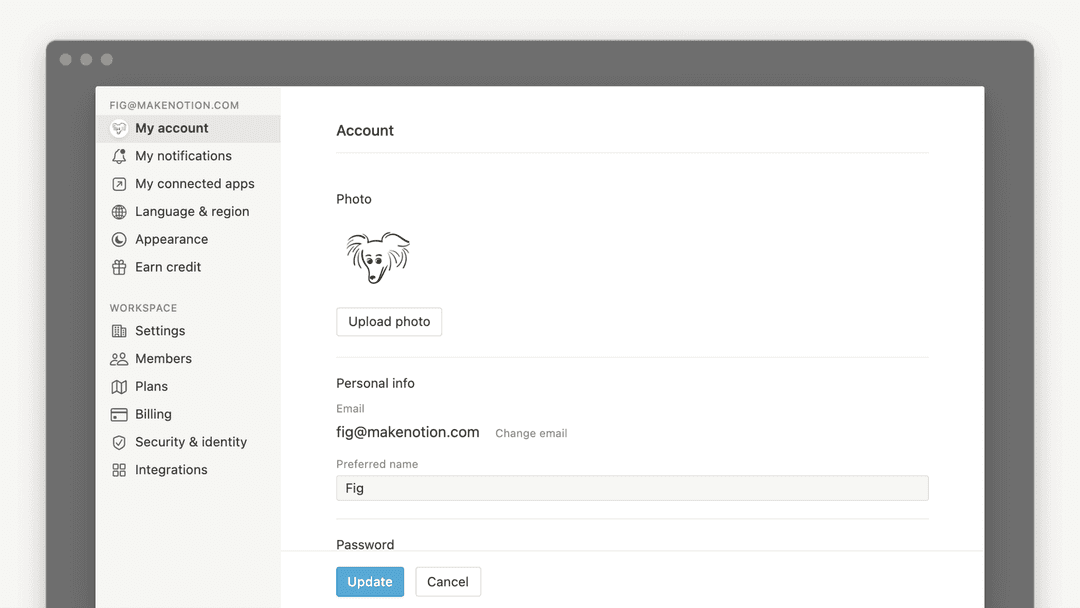
Settings→{your name}→Delete my account.Log into the account whose email address you want to change, then go to
Settings→{your name}→Change email.
Điều gì sẽ xảy ra nếu tôi lỡ tay xóa vĩnh viễn nội dung nào đó? Có cách nào lấy lại được không?
Điều gì sẽ xảy ra nếu tôi lỡ tay xóa vĩnh viễn nội dung nào đó? Có cách nào lấy lại được không?
Nếu bạn vô tình xóa một trang, một không gian làm việc hoặc thậm chí toàn bộ tài khoản của mình, chúng tôi có thể trợ giúp! Sự cố đôi khi vẫn xảy ra 😅 Bạn chỉ cần gửi tin nhắn cho chúng tôi trong ứng dụng bằng cách nhấp vào dấu ? ở góc dưới bên trái màn hình máy tính (hoặc trong thanh bên của bạn, nếu dùng thiết bị di động). Hoặc gửi email cho chúng tôi theo địa chỉ [email protected].
Chúng tôi có lưu giữ các bản sao lưu cơ sở dữ liệu, nhờ đó chúng tôi có thể khôi phục phiên bản nội dung của bạn trong 30 ngày qua, nếu bạn cần đến.