產品
Notion
你的 AI 工作空間
Notion 日曆
Notion 郵件
Notion AI
幫忙處理工作的 AI 工具
代理程式
將繁瑣工作自動化
AI 筆記寫手
AI 完美撰寫
企業版搜尋功能
快速找到答案
知識庫
集中管理知識
文件
操作容易,功能強大
專案
管理任意專案
連接
連接你的應用程式
安全性
安全且可擴展
AI
AI 功能
Notion AI
幫忙處理工作的 AI 工具
代理程式
將繁瑣工作自動化
AI 筆記寫手
AI 完美撰寫
企業版搜尋功能
快速找到答案
探索使用案例
用於工作
用於生活
解決方案
團隊
工程與產品
設計
行銷
IT
公司規模
新創公司
小型企業
企業
使用案例
教育
個人
AI 使用案例
資源
瀏覽
範本
顧問
連接
探索
最新消息
客戶故事
部落格
網路研討會
學習
開發人員
學院
產品導覽
幫助
開發人員
企業
定價
要求產品示範
登入
免費取得 Notion
幫助中心
公司內全面導入
← 公司內全面導入
公司內全面導入
指南
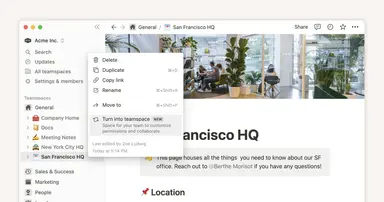
How workspace owners can set up teamspaces for their organization
指南
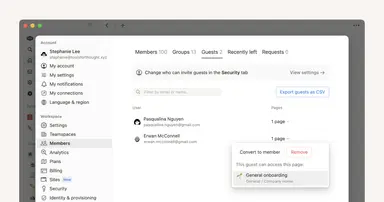
Who should be a workspace member, and who should be a guest?
指南
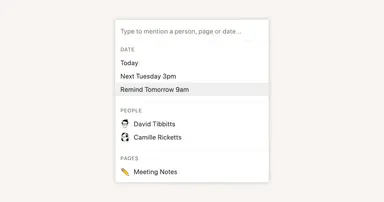
Reminders & @mentions
指南
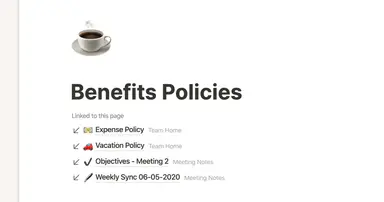
Creating links & backlinks
指南
Creating a page
指南
Getting started with templates for your team
指南
Comments & discussions
指南
Building a comprehensive team notes & docs database
指南
Give your to-dos a home with Task databases
指南
Creating a knowledge hub by organizing docs for large teams
指南
Block basics: build the foundation for your team’s pages
指南
Connect your tools to Notion with the API
指南
Best practices for internal communications on Notion
指南
When to use each type of database view
指南
Use Asana link previews to keep your teams on the same page
指南
Organize, connect, and scale your Notion knowledge management system
指南
Writing & editing basics
指南
How teams can use comments for better collaboration
指南
The best way to set up your team’s sidebar for clear organization
指南
What is Notion?
指南
How to set up your Notion workspace for your team
指南
Assign custom database permissions to make your life easier
指南
Grant the right level of access with teamspaces and groups
指南
First steps when introducing Notion to a new teammate
指南
Navigating with the sidebar
指南
Create and use an upvote formula for team decisions
指南
How to use and customize the sidebar with teamspaces