產品
Notion
你的 AI 工作空間
Notion 日曆
Notion 郵件
Notion AI
幫忙處理工作的 AI 工具
代理程式
將繁瑣工作自動化
AI 筆記寫手
AI 完美撰寫
企業版搜尋功能
快速找到答案
知識庫
集中管理知識
文件
操作容易,功能強大
專案
管理任意專案
連接
連接你的應用程式
安全性
安全且可擴展
AI
AI 功能
Notion AI
幫忙處理工作的 AI 工具
代理程式
將繁瑣工作自動化
AI 筆記寫手
AI 完美撰寫
企業版搜尋功能
快速找到答案
探索使用案例
用於工作
用於生活
解決方案
團隊
工程與產品
設計
行銷
IT
公司規模
新創公司
小型企業
企業
使用案例
教育
個人
AI 使用案例
資源
瀏覽
範本
顧問
連接
探索
最新消息
客戶故事
部落格
網路研討會
學習
開發人員
學院
產品導覽
幫助
開發人員
企業
定價
要求產品示範
登入
免費取得 Notion
幫助中心
專案管理
← 專案管理
專案管理
指南
Getting started with projects and tasks
指南
Reminders & @mentions
指南
Working offline in Notion—Everything you need to know
指南
Getting started with templates for your team
指南
How to use Notion for your startup: Templates and more
指南
Using database views
指南
Board view databases
指南
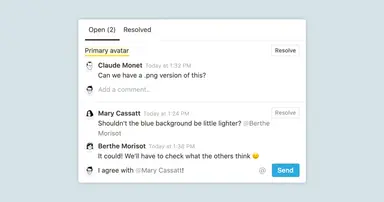
Comments & discussions
指南
Creating a database
指南
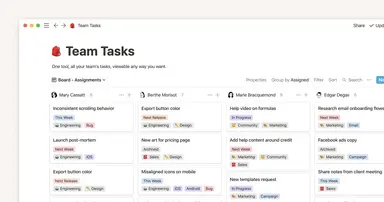
Give your to-dos a home with Task databases
指南
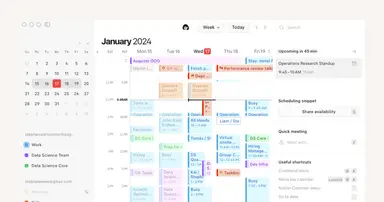
Getting started with Notion Calendar
指南
How to create a content calendar for your marketing team
指南
Project management that evolves with your team
指南
Migrating to Notion for Project Management
指南
Use charts to visualize data and track progress directly in Notion
指南
A connected workspace for product teams to collaborate, ideate and launch
指南
Your centralized product development hub in Notion
指南
Break tasks into manageable steps with sub-tasks and dependencies
指南
Synced Databases bridge the gap between different tools
指南
Start fresh and do the thing: How to actually set and hit team goals this year
指南
This project management system connects the dots for your product team
指南
Share social media posts from Notion with webhook actions
指南
Notify people instantly — with just a click of a button
指南
Create streamlined project management workflows using database automations
指南
Timeline view unlocks high-output planning for your team
指南
Connect projects and docs to get more done, faster
指南
Import projects from Asana for a connected work experience
指南
When to use each type of database view
指南
A simple CRM for strengthening client relationships and managing work
指南
Use Asana link previews to keep your teams on the same page
指南
Using Notion for marketing campaigns
指南
Unleashing productivity with Notion's Slack integration
指南
Use link previews to collaborate, manage projects, and ship faster
指南
How tech startups build their company operating systems in Notion
指南
Manage client work in a flexible project tracker
指南
Automatically generate blocks, pages and more with the click of a button
指南
How managers get a clear view of what everyone’s working on in Notion
指南
Three key databases for teams, and how to use them
指南
A guide to connecting projects and meeting notes
指南
How engineering and product teams use Notion for sprint planning
指南
How teams can use comments for better collaboration
指南
This project management system helps your engineering team track every initiative
指南
Show your team how to organize, track and manage work in Notion
指南
Make work more efficient with database button properties
指南
Using database templates to help cement your team's process
指南
Databases reimagined— what’s changed?
指南
How Notion can help your marketing team stay organized and efficient
指南
Notion for creative agencies: managing internal and client work
指南
Organize, manage, and track all your work with a personal dashboard
指南
How visual link previews can streamline team collaboration
指南
How to build an effective go-to-market (GTM) plan
指南
Notion for engineers: A comprehensive guide to streamlining project management
指南
Using database templates
指南
Using advanced database filters
指南
Personal tasks
指南
Mastering the RACI model for effective project management
指南
Using linked databases
指南
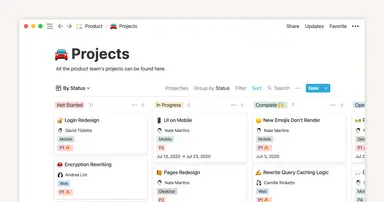
Using Notion for product roadmaps
指南
The status property gives you clarity on task progress