
Notion 계정에서 어떻게 로그아웃하나요?
Notion 계정에서 어떻게 로그아웃하나요?
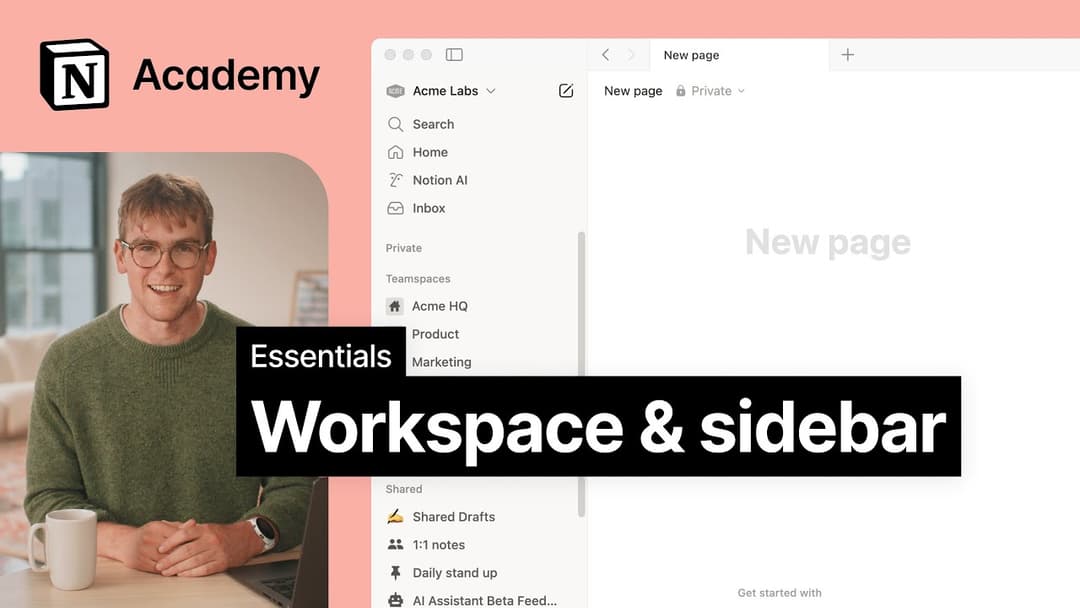
사이드바의 왼쪽 상단에서 현재 워크스페이스의 이름을 클릭한 다음 아래로 스크롤하면 이메일 주소 옆에 로그아웃 옵션이 표시됩니다.
사이드바에 아무 섹션도 표시되지 않습니다. 어떻게 표시할 수 있나요?
사이드바에 아무 섹션도 표시되지 않습니다. 어떻게 표시할 수 있나요?
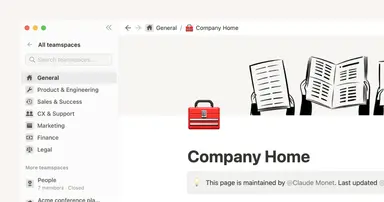
사이드바 섹션에는 계정의 공유 설정이 반영됩니다. 워크스페이스에 두 명 이상의 사용자가 있는 경우 사이드바의 팀스페이스 섹션에 공동 작업 페이지가 나타나고, 개인 페이지 섹션에는 본인만 볼 수 있는 개인 페이지가 표시됩니다.
Why don't I see a full-page Home anymore? Did you change the sidebar?
Why don't I see a full-page Home anymore? Did you change the sidebar?
Home changed from a full-page experience to a part of your sidebar, organized into sections like Recents, Favorites, Teamspaces, Agents, and more, that can be shaped to fit your workflow. This puts your workspace navigation, AI threads, and notifications in one consistent, customizable place.
What will I see if I'm on a Free or Plus plan, or if AI is turned off for my workspace?
What will I see if I'm on a Free or Plus plan, or if AI is turned off for my workspace?
Free and Plus plans: You'll see the full sidebar layout, including the AI chat tab. You can use Notion AI with your available free AI credits.
AI turned off (Enterprise/Business): The AI chat tab will not appear. Instead, you'll see a New button in its place to create pages and other content.